
How to use the LDH Facilities Support Map
Map Tools
Select, edit, and create map layers. Click the currently selected tool to deselect all tools for map only controls.
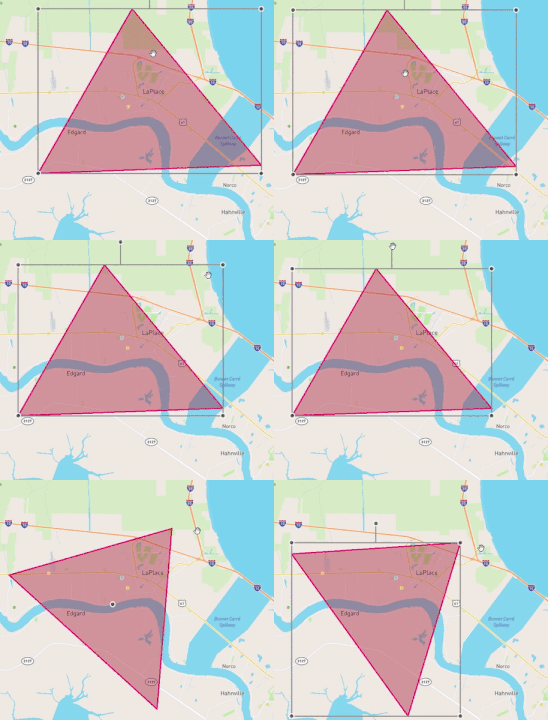
Select Tool
Select your created layers to rescale, reposition, and rotate them.
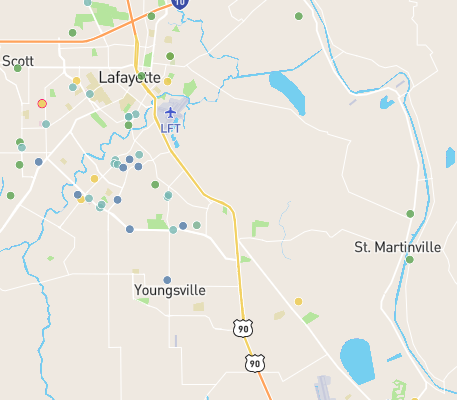
Facilities
This layer corresponds to the location dots of each facility on the map. You can filter the facilities shown by a variety of factors, and change their color key in settings.
Control Panel Tools
Toggle and edit visual layers, filter selected facilities, and manage custom layers.
Sidebar Tools
View a chart overview and important information of filtered facilities, a table containing each facility, or a detailed view of a selected facility.
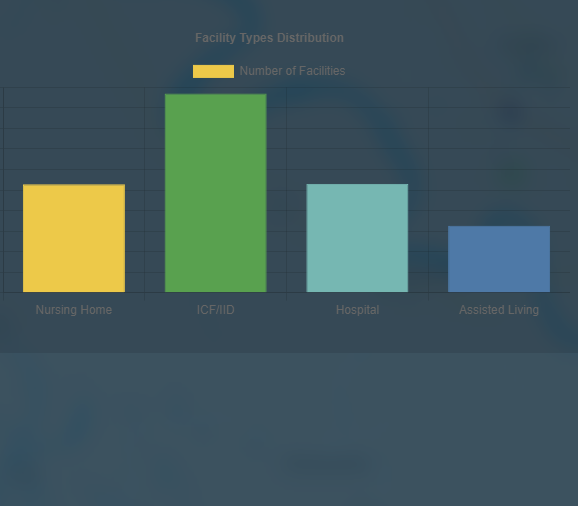
Charts View
View the important overarching data of the filtered facilities, and see a breakdown of facility amounts by type.